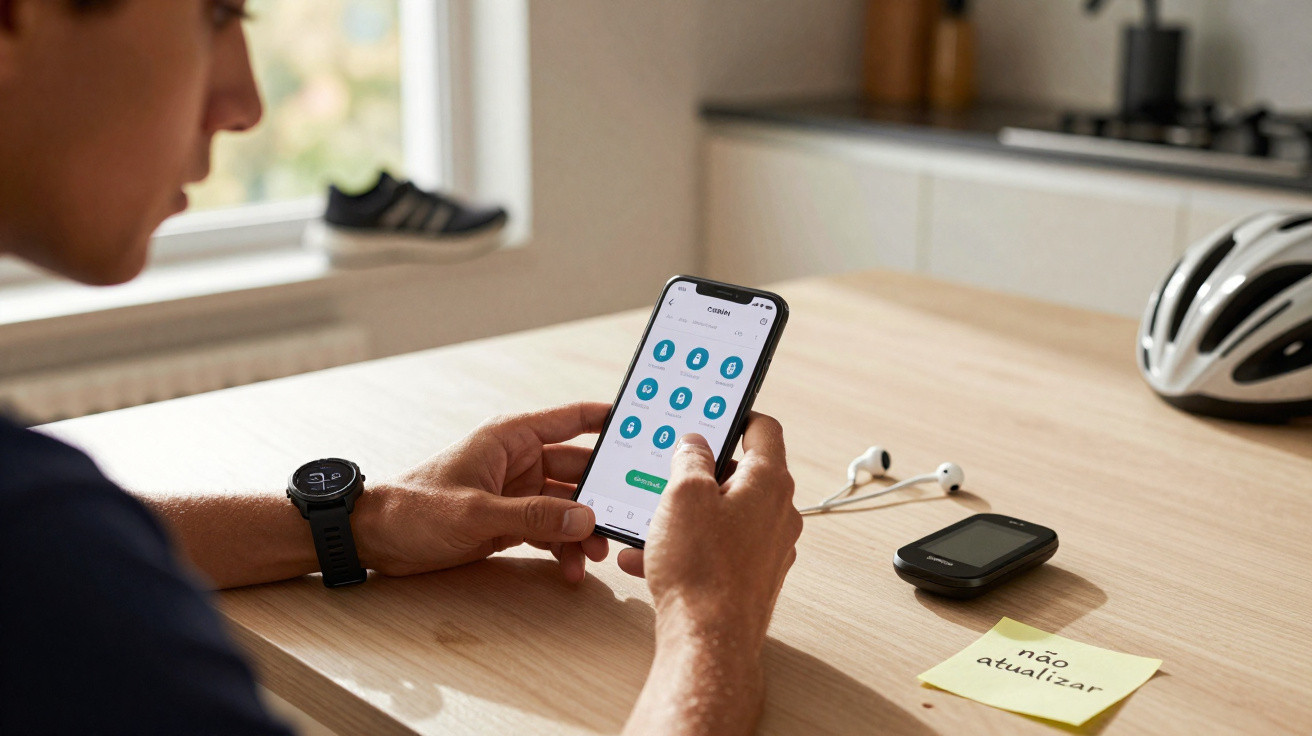
The issue appears to be affecting users of the iOS app.
If you use iOS and your watch has no longer been visible in Garmin Connect since version 5.21.1 was rolled out on Wednesday 28 January, you are far from alone. Previously paired watches now seem to be listed as disconnected, while synchronisation attempts fail in most cases.
On Reddit, where the problem was reported, one user lamented: “Garmin Connect updated today on my iPhone and I lost all my devices in the app: watch, scales and sleep index.”
Other users have confirmed that their watch disappeared from the service entirely after the update. In some instances, Garmin Connect opens but cannot detect the device, even with Bluetooth enabled and the watch nearby.
Garmin Connect on iOS: possible fixes while awaiting an update
Garmin has not yet commented on the matter. However, as gadgetsandwearables.com reports, a number of watch models have been mentioned, including the Forerunner 965, Enduro 3 and Fenix 7 series.
There is currently no fix guaranteed to work in every case, so it may be best to wait before installing the update. That said, our colleagues have suggested several remedies that have worked occasionally.
Resetting the Bluetooth connection
One option is to fully reset the Bluetooth connection. To do this, unpair the watch in your iPhone settings, then remove it from your Garmin Connect account through the web interface. Next, reinstall the app before pairing the device again.
In some cases, simply reinstalling Garmin Connect is enough to restore communication between the two devices. Finally, starting the pairing process directly from the watch, via the Settings menu and Connectivity section, may enable the device to be paired correctly, although this does not always work.
We hope this information and advice will be helpful until a more lasting solution is found. Have you encountered this type of issue on iOS? Let us know in the comments.















Comments
No comments yet. Be the first to comment!
Leave a Comment